A ready-made pass in Wallet.
If the issuer offers an Apple Wallet pass, you add it and show it at the entrance. It’s a convenient home for ready-made passes.
Train. Cinema. Concert.
All your tickets in one app.
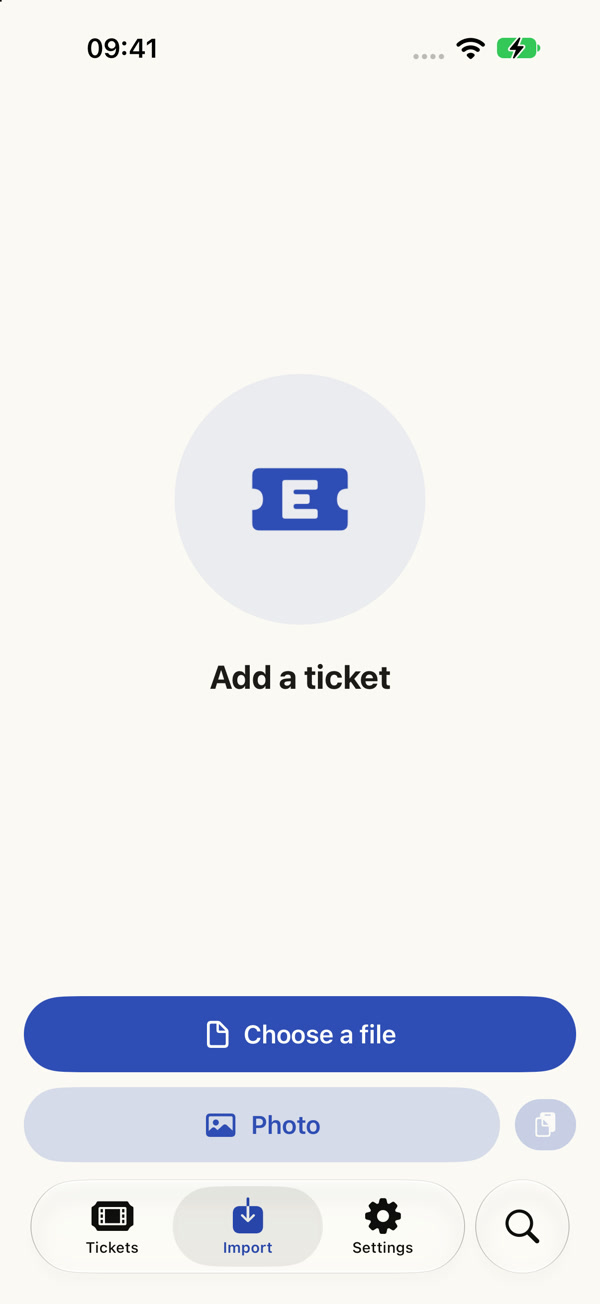
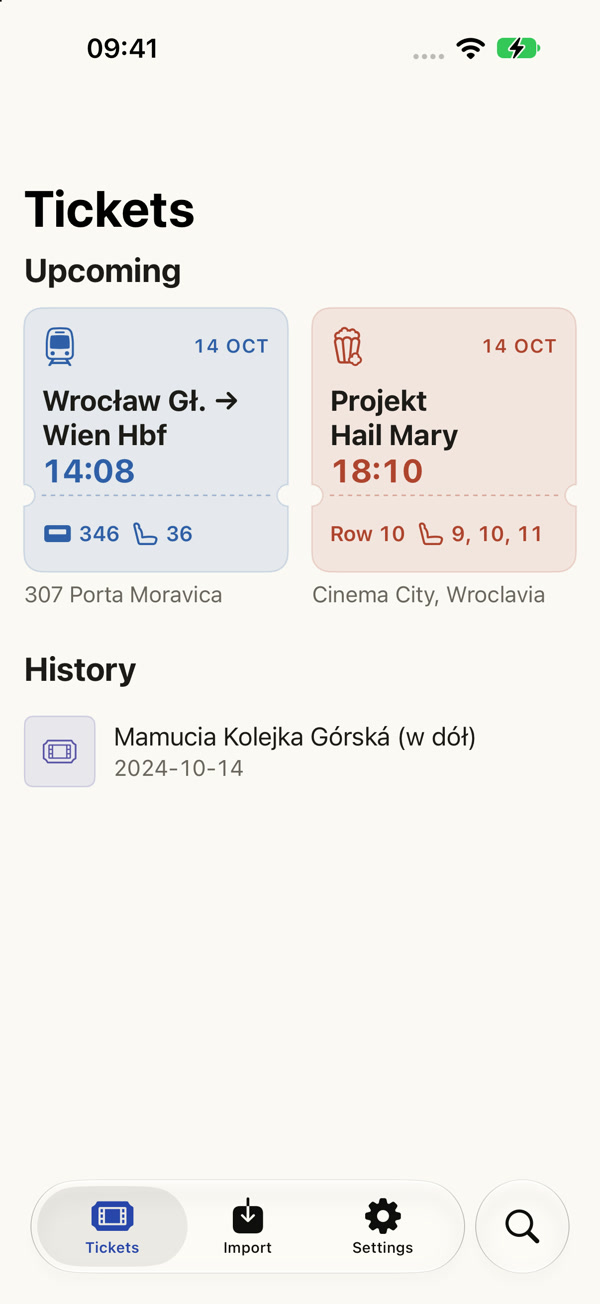
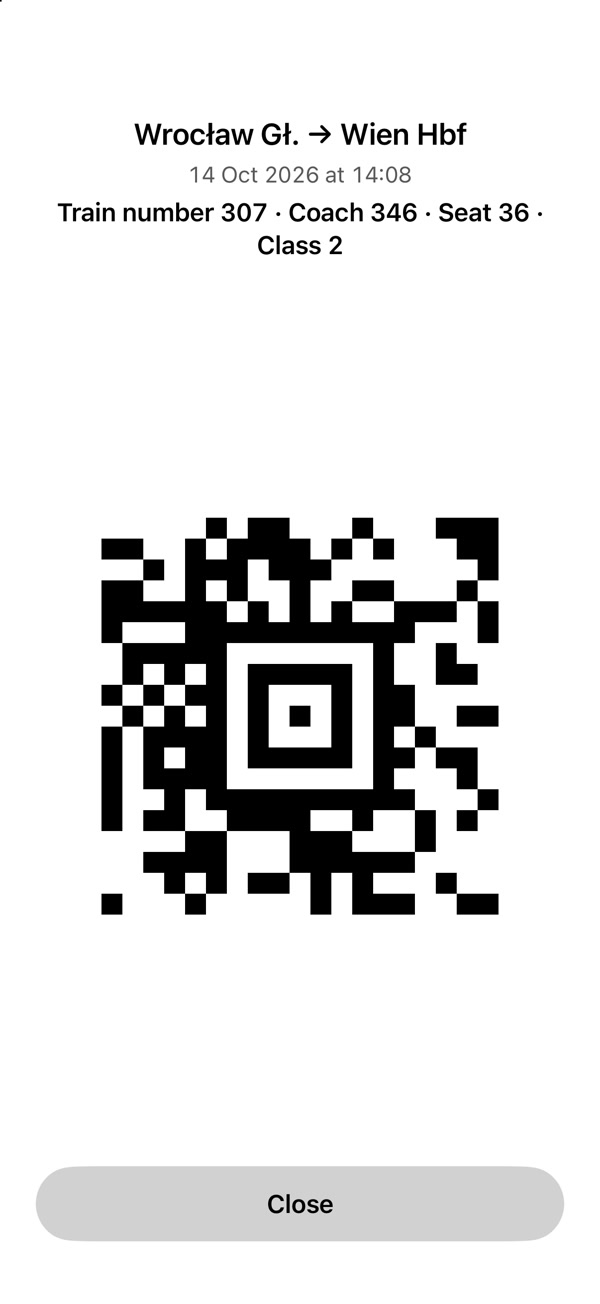
Sample tickets in Entrisa.
Entrisa starts where your ticket is:
in a PDF, in a photo or in a screenshot.
If the issuer offers an Apple Wallet pass, you add it and show it at the entrance. It’s a convenient home for ready-made passes.
You add the document, read the details and pick tickets from a shared purchase. Then seats, code, directions to the station and your destination are all at hand. Wallet stays an extra option.
A PDF in your email. A photo of a paper ticket. A screenshot after checkout. Entrisa gathers them in a clear library, so everything is at hand when it’s time to go.
Rail and coach tickets, boarding passes, cinema, theatre, concerts, festivals, sport or museums. Each kind has its own colour and a clear layout.
Route, time, coach and seat. Or the event name, venue, hall and row. No need to scroll through the whole document.
Search saved tickets, give them your own names and add notes. One document with several tickets? You choose which ones to save.
From adding a document to the ticket check. Every screen has one clear job.
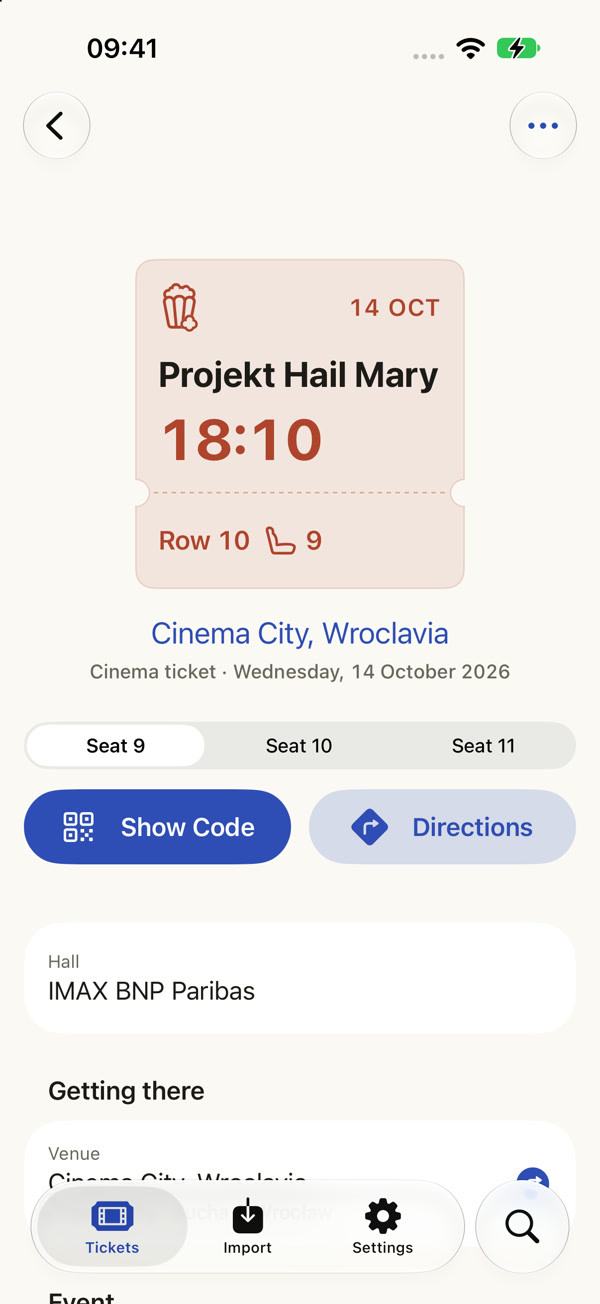
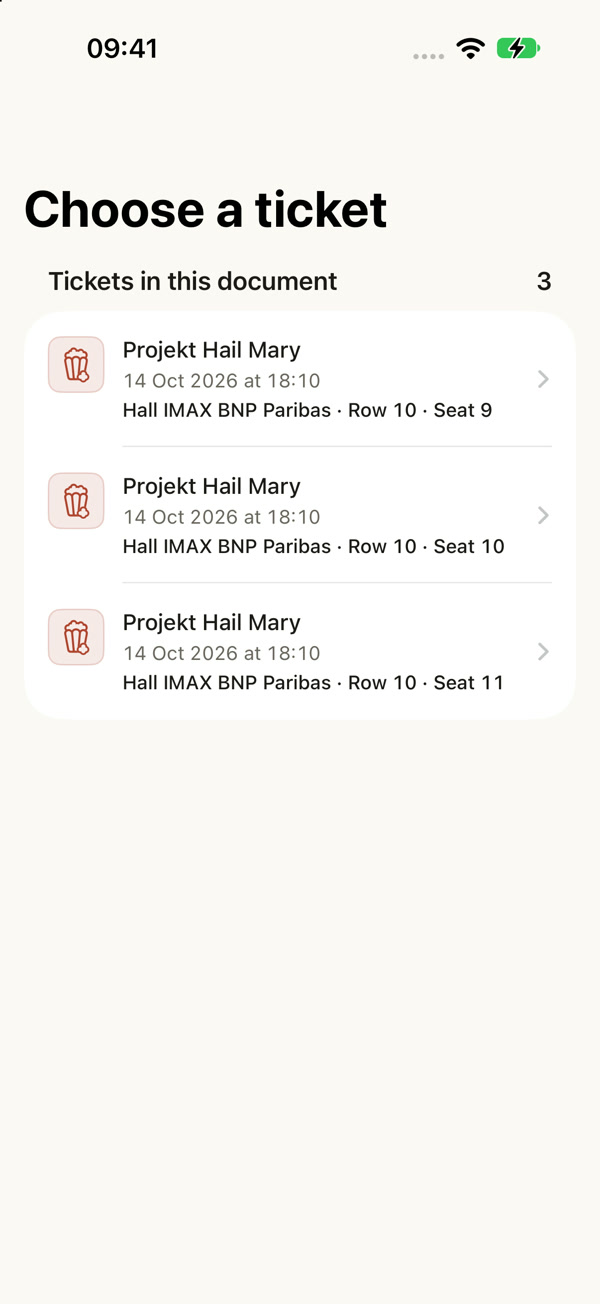
A group trip to see Project Hail Mary. Three PDF pages, one screening and three different seats. Pick a step to see the app screen.
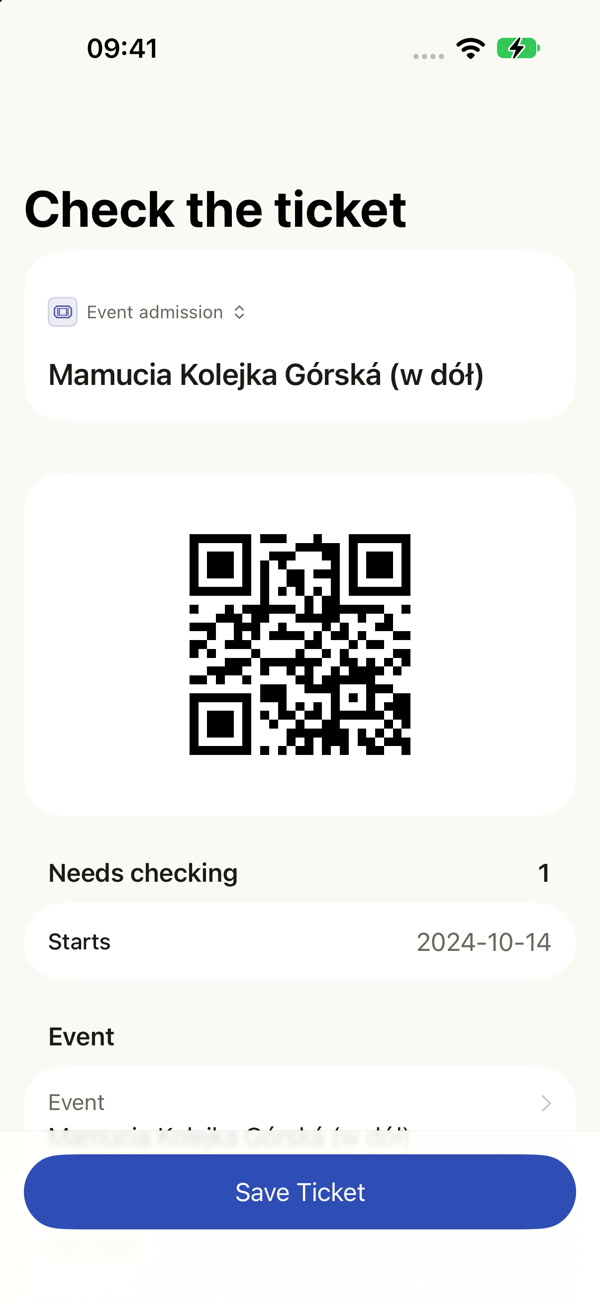
A paper ticket for the Mammoth Coaster at Dolní Morava. Instead of hunting for the photo in your gallery, you add it to your ticket library.
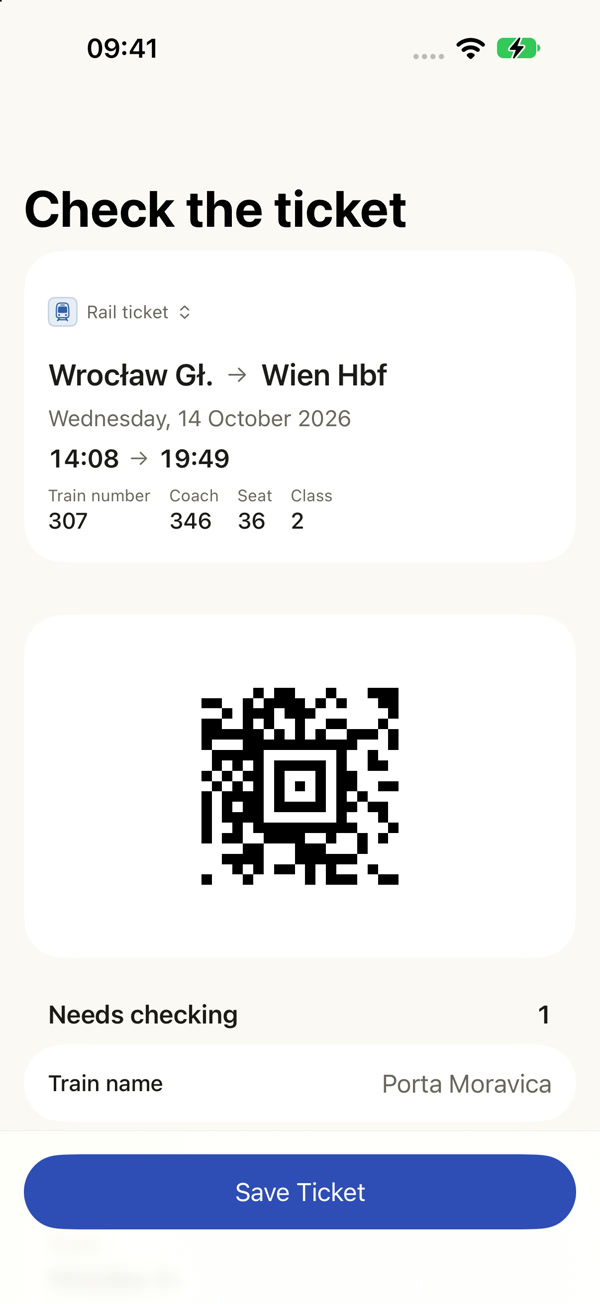
A rail ticket from a PDF: Porta Moravica, departing 14:08, coach 346, seat 36. You check the details, save the ticket and set off.
Both stations come straight from the ticket. Each one has a different role.
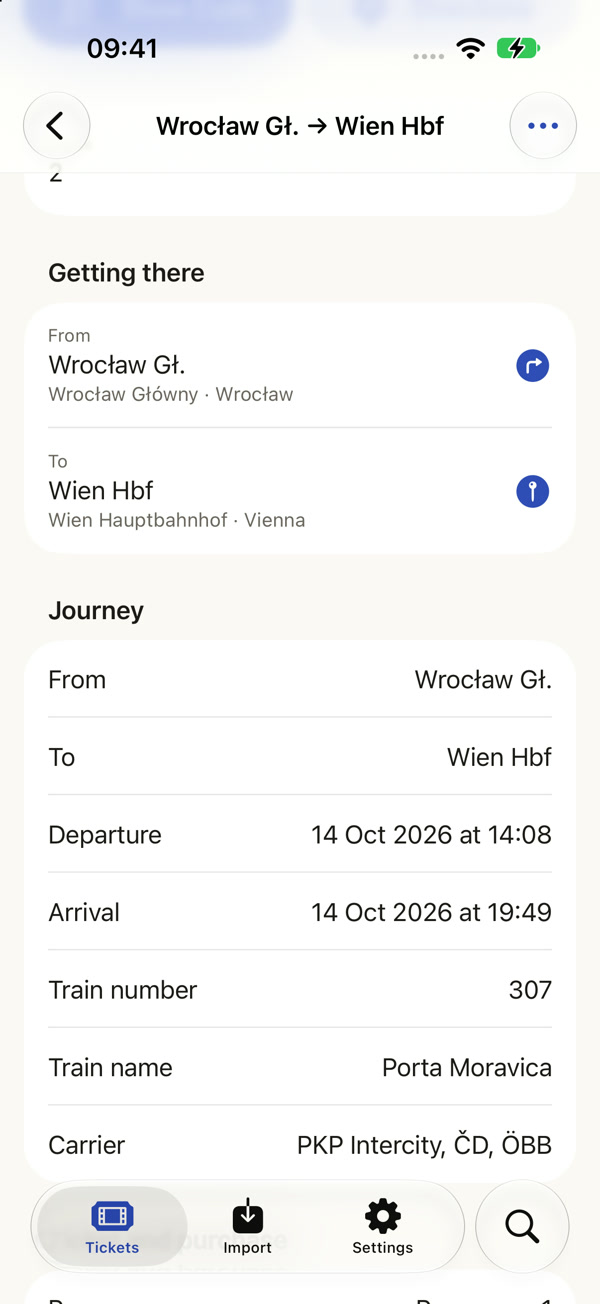
Tap “Directions” or the departure station. Entrisa opens a route to the station in your navigation app — that’s where you need to be to board the train.
See example directionsTap the arrival station to see its location in Maps. You’ll see where the journey ends and what’s nearby.
See the destination stationApp screenshots with sample dates. Passenger details and ticket codes have been anonymised.
Animated app demo with sample tickets.
One tap. A big code. You’re in.
The code appears in black on white, even in Dark Mode. The app brightens the screen to make scanning easier. Your saved ticket is at hand even without an internet connection.
Open directions to the station or venue in your maps app. The destination comes straight from the ticket.
Turn on reminders before a journey or an event. Choose how far in advance your phone lets you know.
A Wallet pass is an extra option for supported tickets. The Entrisa library works without it as well.
Recognition happens on your iPhone.
No document is sent away for analysis.
PDFs and photos are read locally. Reminders are scheduled by your phone, too.
Saved tickets sync through your own private iCloud.
When you add a ticket to Apple Wallet, only the data needed to create the pass is sent. The original PDF or photo stays on your iPhone.
No. You buy your ticket from the operator or organiser and then add it to Entrisa. The app organises the tickets you already have and makes them easy to show.
It depends on the document format and the code. Entrisa recognises many travel tickets and event tickets, but it doesn’t convert rotating or device-bound codes such as SafeTix, Eventim.Pass or AXS Mobile ID. Show those tickets in the issuer’s app. Keep the original document too, in case of an additional check.
Before saving, you can check and correct the recognised fields. Uncertain details are highlighted. The code itself is read from the ticket, not generated from the details you type in.
Recognising a document and showing a saved code work on the device. You need the internet for iCloud sync, looking up places in Maps and adding passes to Apple Wallet.
No. You can save a ticket and show its code right in Entrisa. Adding a pass to Wallet is an option for supported tickets.
Entrisa is an iPhone app for iOS 18 or later. The interface is available in Polish, English and German.